
SS77 Login
SS77 Login – Easy Account Access for Players in the Philippines
The SS77 Login page is designed for registered users who want to return to their gaming accounts without creating a new profile. Whether accessing the platform through an Android phone, iPhone, or desktop browser, entering the correct account information is the first step.
For Filipino users, common login concerns include mobile number formatting, forgotten passwords, verification delays, and unstable internet connections. Understanding how to handle these situations can make account access more straightforward.
This guide focuses on signing in, recovering access, and managing common login issues rather than repeating general gaming information.
How to Log In to SS77
Returning users can access their accounts through the login interface provided by the verified ss77 platform.
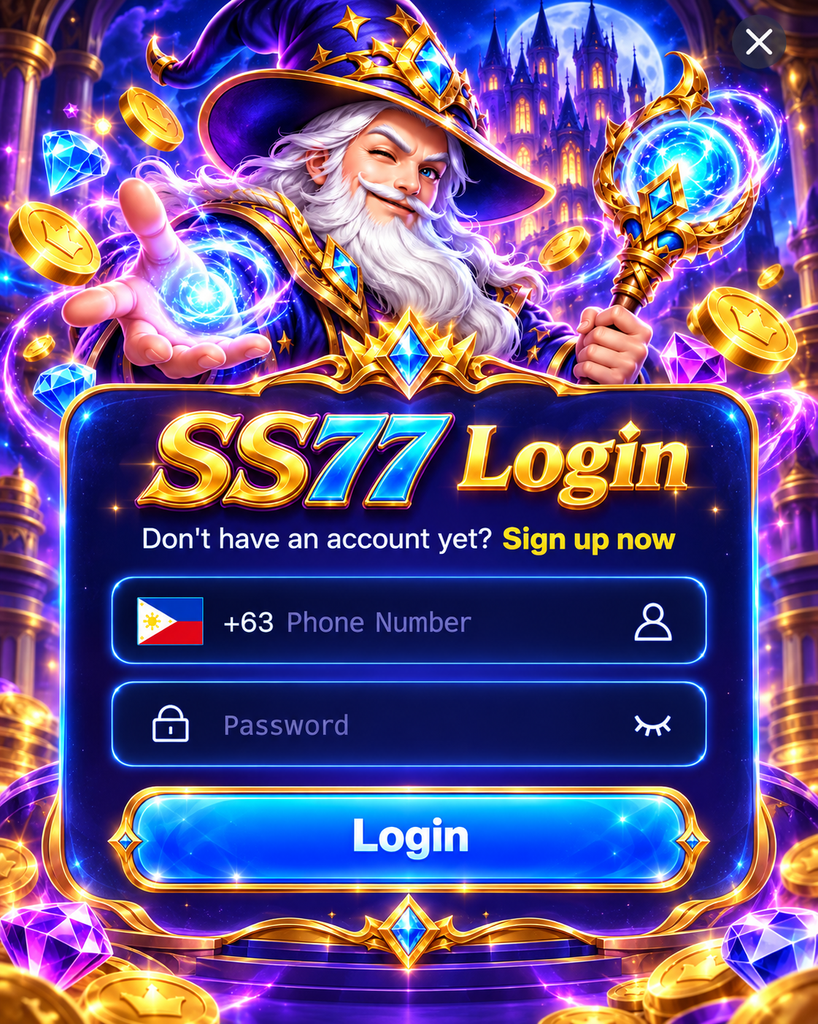
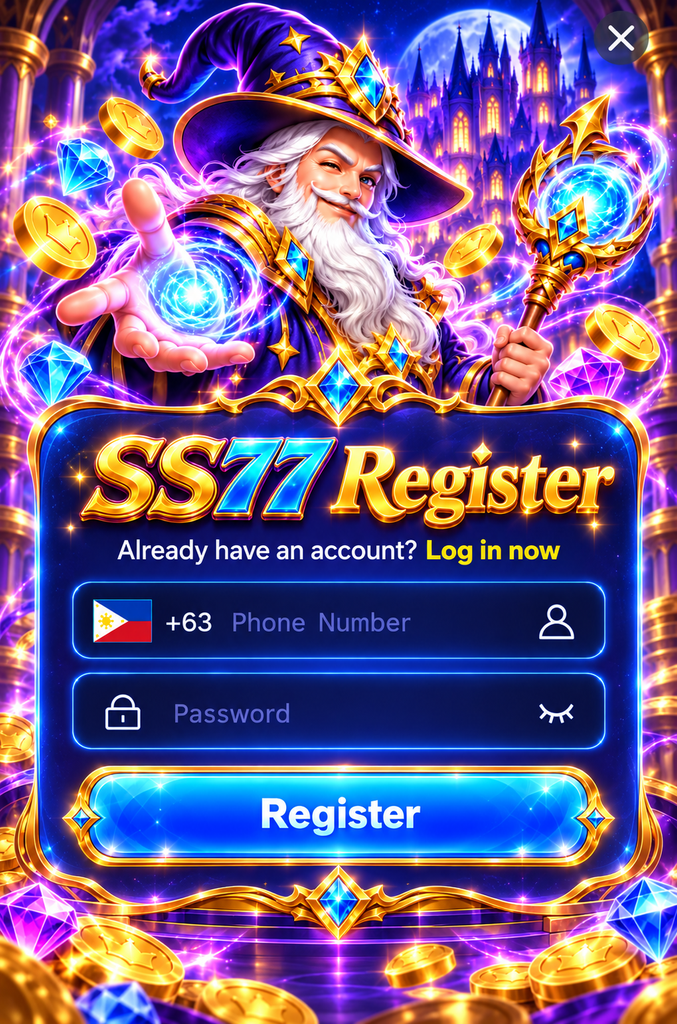
The illustrated mobile login screen uses a Philippine phone number field and a password field, allowing registered users to enter their account details.
SS77 Login Steps for Existing Members
- Open the verified ss77 website or supported mobile application.
- Locate the Login option on the main interface.
- Enter the phone number associated with your account.
- Type your registered password carefully.
- Select Login to submit your credentials.
- Complete any additional verification requested by the platform.
SS77 Login Problems and Practical Solutions
| Login Problem | What You Can Try |
|---|---|
| Incorrect phone number | Check the +63 format and registered digits |
| Password not accepted | Check capitalization and remove extra spaces |
| Page keeps loading | Refresh the browser or switch networks |
| Verification code delayed | Check SMS reception and wait before retrying |
| Login button not responding | Update the browser and reload the page |
| Account temporarily restricted | Contact authorized customer support |
What If the Login Button Does Nothing?
Sometimes a button appears inactive because a required field has not been completed.
Check whether both the phone number and password have been entered correctly.
If everything appears complete, refresh the page and try again using a supported browser.
Avoid repeatedly tapping the button while a request is processing, as this may submit duplicate attempts.
Login Problems When Using Mobile Data
Filipino users accessing online services through Smart, Globe, or other mobile networks may occasionally experience unstable connections.
If the login page stops loading, try switching between mobile data and a trusted Wi-Fi connection.
You can also close unnecessary browser tabs or temporarily disable VPN settings that may interfere with website access.
If the platform itself is temporarily unavailable, changing your password will not necessarily resolve the issue.
Forgot Your SS77 Password?
Forgetting a password can be frustrating, particularly when the account is linked to a frequently used mobile number.
If ss77 provides a password recovery feature, begin through that official option rather than creating another account immediately.
Recovering Account Access
Check the login interface for a Forgot Password or account recovery option.
Depending on the available recovery procedure, you may be asked to confirm your registered phone number or complete an identity verification step.
If no recovery option is displayed, contact the platform’s authorized support channel for instructions.
Never share SMS verification codes with someone claiming they can instantly unlock your account.
SS77 Login on Android and iPhone
Mobile compatibility matters because many users prefer accessing their accounts through smartphones.
However, an installed application is not always necessary when a compatible browser version is available.
Android Login Through an APK or Browser
Android users can access the platform through a supported browser or an officially available application.
If using the SS77 App, confirm that it comes from a verified distribution source and is compatible with the device.
Browser users should keep Chrome or their preferred supported browser updated to reduce loading and display problems.
iPhone Login Through Safari
For iPhone users, Safari may provide access when the platform supports mobile browsers.
There is no need to install an Android APK on an iPhone.
If the login form appears incorrectly, check whether JavaScript is enabled, update iOS if necessary, and reload the page.
SS77 Login and Register – Understanding the Difference
| Function | SS77 Login | SS77 Register |
|---|---|---|
| Main Purpose | Access an existing account | Create a new account |
| Phone Number | Previously registered number | Number used for registration |
| Password | Existing password | Newly created password |
| Verification | May require account authentication | May require initial verification |
| Best For | Returning members | Eligible new users |
Protecting Your SS77 Account After Login
Account security does not end when the correct password is entered.
Users should remain careful when accessing personal account information, especially on shared smartphones or public computers.
Consider these practices:
- Use a password that is different from your email and social media passwords.
- Avoid sending screenshots containing sensitive account information.
- Sign out when using a device that belongs to someone else.
- Review unfamiliar account activity when transaction history is available.
- Use only verified channels for account recovery and support.
SS77 Login Frequently Asked Questions
Can I log in to SS77 using my Philippine phone number?
The illustrated login interface includes a +63 phone number field. Use the number associated with your registered account and follow the platform’s required format.
Why does SS77 keep rejecting my password?
Possible causes include incorrect capitalization, outdated saved credentials, typing errors, or account restrictions. Use the official recovery procedure if the problem continues.
Can I access SS77 Login without downloading the app?
If the platform supports browser access, users can sign in through a compatible mobile browser without installing an application.
What should I do if I lose my registered SIM card?
Contact your mobile network provider about SIM replacement or number recovery. If access to the registered number cannot be restored, ask official platform support about available account verification and recovery procedures.